APK-cracking: MYTVOnline3 on unsupported Android TV devices


As part of my ongoing learning journey, I was searching for a new challenge. And a couple days ago, I found it. I had been experimenting with my OTT streaming devices and writing some test apps when I remembered that Formuler devices come with a dedicated IPTV streaming app: MYTVOnline.
Looking into it online sparked my curiosity. I know that MYTVOnline wasn’t available for non-Formuler (androidTV) devices, and no apparent “cracks” were out there. So, as the saying goes, curiosity killed the cat… challenge accepted.
I will keep things vague. I do this purely to learn. I won’t be sharing the cracked APK, so if that’s what you’re here for, I’m sorry. I’m not interested in money; that’s not my motivation. I have a nice alternative at the end.
Unpacking
First, we obtain the original MYTVOnline3 app from a Formuler device. This process (backing up apk's) is well documented online. Same goes for tools for unpacking and de-compiling.
First hurdles
First, I wanted to understand the app’s behavior, especially since the Formuler device runs many services at the system level. To my surprise, including the MOL3 app as well (I’ll refer to MYTVOnline3 as MOL3 from now on). I’ll explain in more detail later. As it's part of their protection strategy ( i think)
The first hurdle i encountered was an instant crash when running it at the normal user level on a non‑Formuler device. The app contained a function that checked for a specific service, but this was easy to bypass with a simple bit flip to indicate “yes, it’s there.” :)
The second major hurdle involved checks for specific hardware and software device identifiers. Fortunately, it was easy to determine what the checking functions required, so presetting those values in the variables worked perfectly for these recurring function calls.
--== Couple of other patches later ==--
And we have our first app boot without an instant crash!
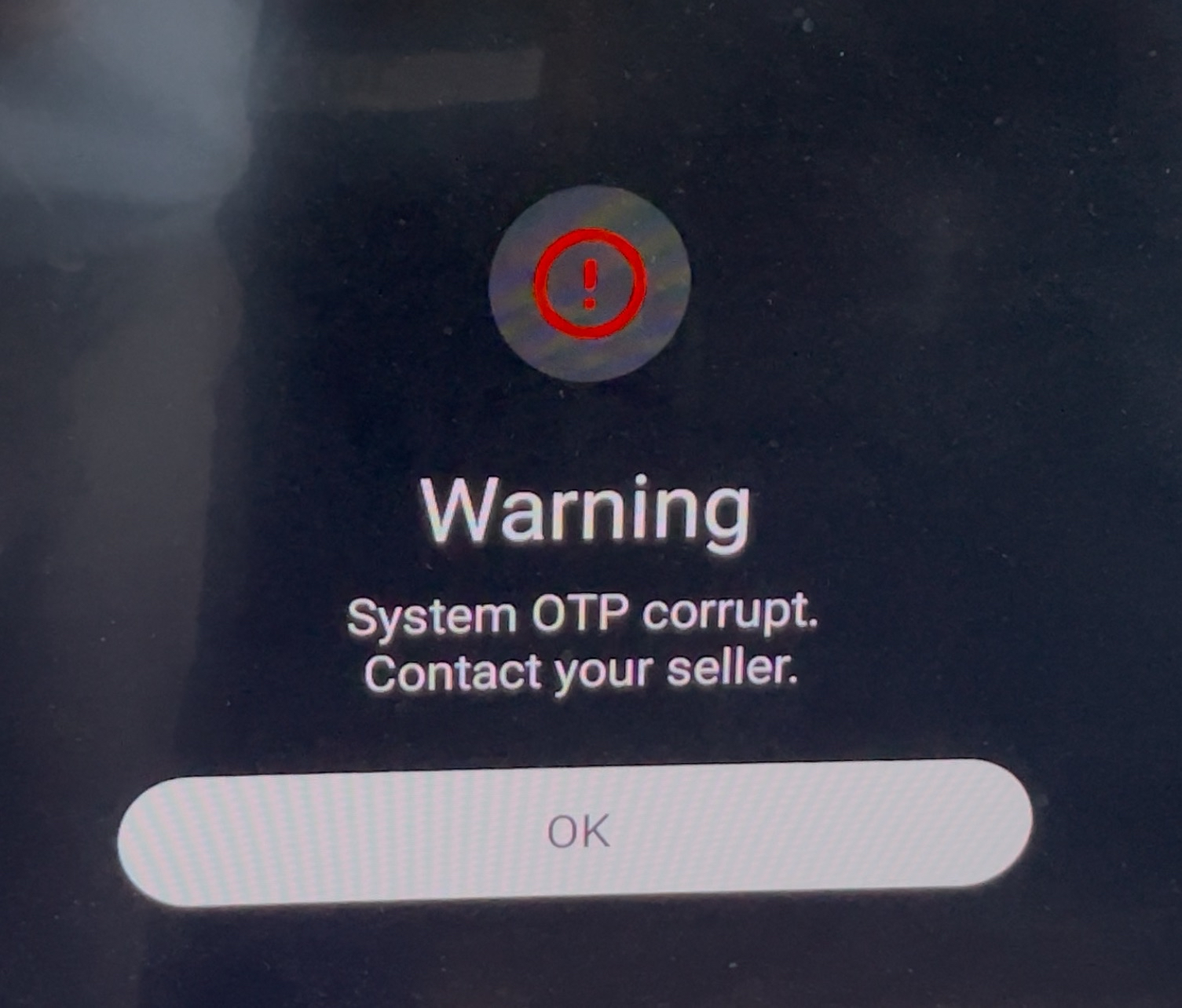
Euuh, yeah i forgot to patch some variables for more identifiers. But still, it’s no longer crashing instantly. Now it only happens after I click OK…
System Properties
Yeah we won’t be running the app in system context, so it’s time to remove anything related to system writes & unusable functions, such as writing to system properties. And patching these with usable alternatives that make MOL3 happy.
Services
My goal was to make MOL3 run without relying on the Formuler System Services that are present on Formuler devices. Copying those services and running them on a different unsupported device felt like cheating. MOL3 primarily communicates with these services through Android’s ContentProvider framework, which is designed to manage access to structured data and enable inter‑process communication between apps. Making it straight forward to understand what MOL3 was requesting and writing.
So after patching functions for most of the services step by step we now get the Unsupported Device message:
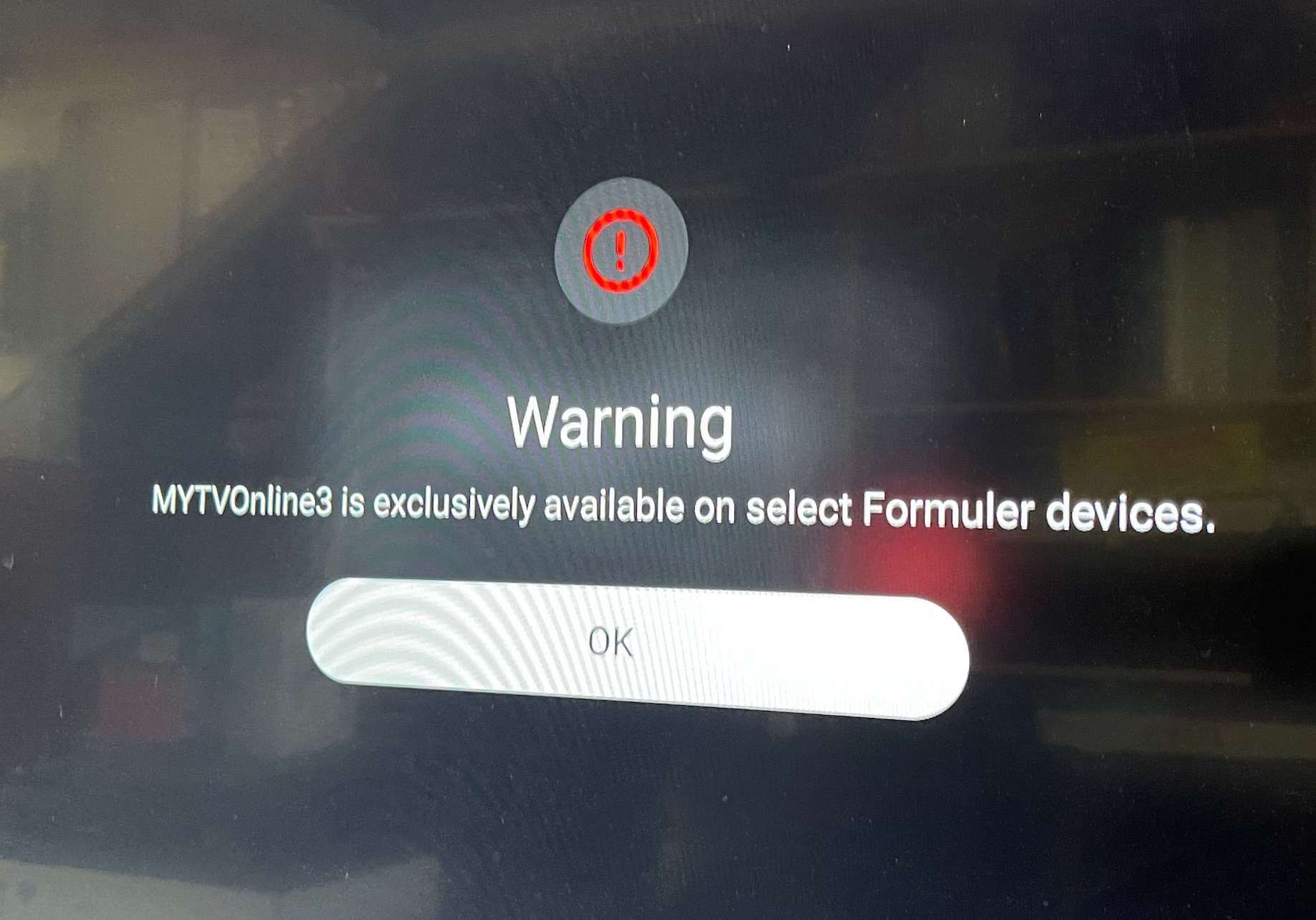
This means we are heading in the right direction. So let's not give up now 😎
I wish I could show exactly what I did, because I’m proud of my creative problem‑solving. However, sharing those details could enable bad actors to use this for profit, which I want to avoid.
Hardcrash; Last big hurdle
After patching all the services and checks, there is a final catch‑all function designed to creatively terminate the running application. This is a common technique developers use to force an app to exit when the user shouldn’t have access to it. I won’t share the exact method Formuler uses, but unfortunately, it was one of the easier ones to bypass compared to others I’ve encountered before.
Finally, after bypassing the last blocker and handling a few minor errors, we reached the UELA screen!
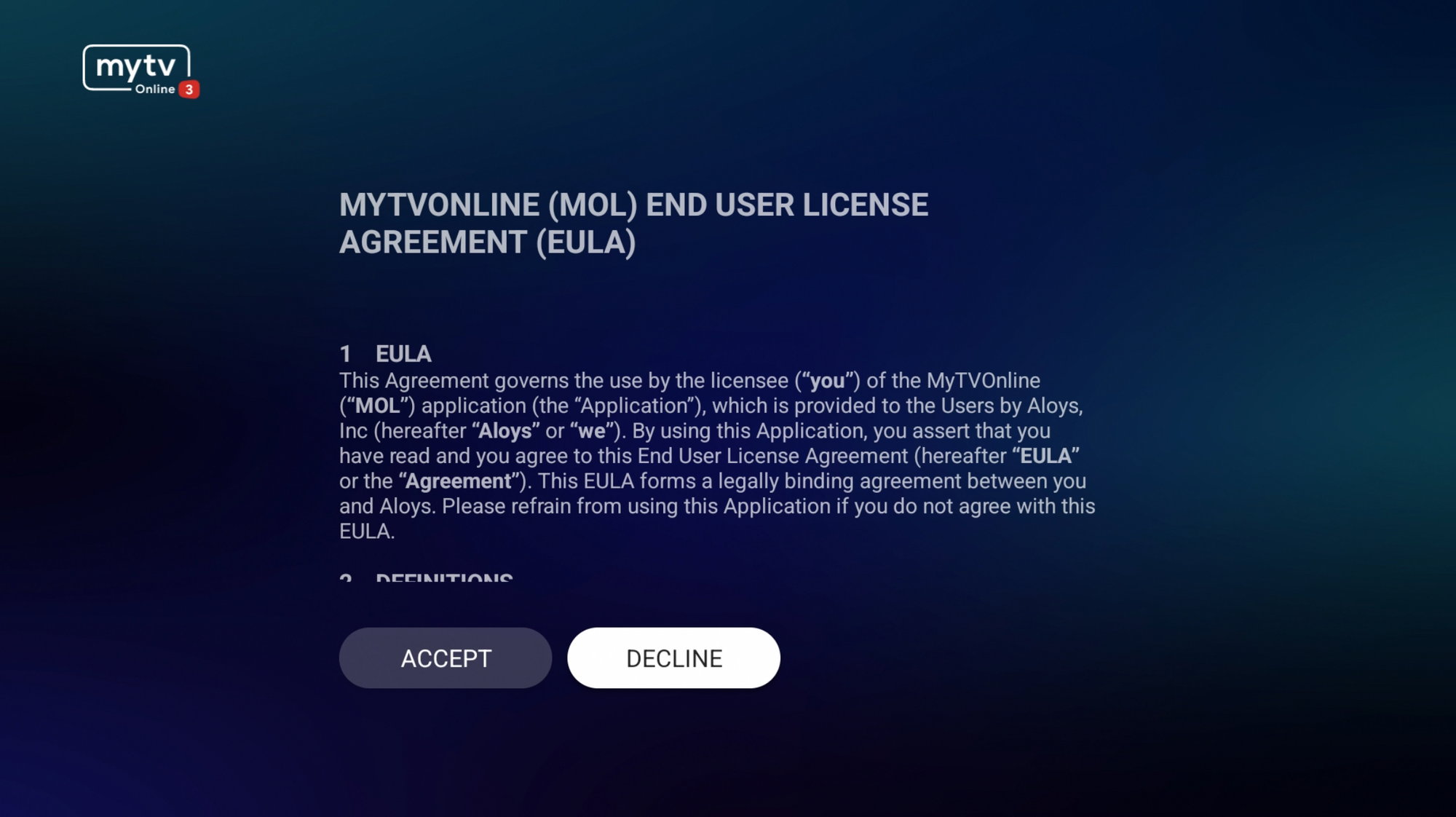
Accepting it caused another crash, haha. After some debugging, I figured out a quick and dirty fix that works well, so I don’t need to spend more time patching a bug I accidentally introduced myself (a null pointer).
So yeah, here is Formuler's MYTVOnline3 running on a Chromecast HD with Google TV:
Looks like ALOYS the parent of MyTVOnline & Formuler does not like my video, so here it is locally:
MOL3 seems to work really well on other devices. I tested on Chromecast with Google TV, Philips Android TV, NVIDIA Shield and a...
Amazon FireTV Stick; finishing touch
This was a funny bug. Everything seemed to work perfectly, and I was about to say this is the perfect IPTV device… until MOL3 kept crashing whenever it tried to load a stream. Because MOL3 was developed for specific hardware, there are no checks or catches for unexpected situations, so any crash is a hard one. I won’t go into specifics, but the code that retrieved the audio devices threw a NullPointerException and passed it along for use. Yeah… not ideal. I fixed that, and now it really is the cheapest, most powerful, and most user‑friendly IPTV streaming stick you can find.
End
I have now learned what i would implement to stop myself from bypassing these like restrictions. Again, don’t do what I did, it’s not worth it. Want MYTVOnline3 on a budget? Pick up an Amazon Fire TV Stick during a sale for around 44 euros and pair it with IMPlayer. You can thank me later.
Or, go for a Formuler device; their remotes alone are worth the premium.
Another challenge defeated. When will one finally defeat me?
Proost,